Blog

Lean Visual Systems Part 2: Refreshing the Shop Floor

Lean Visual Systems Part 2: Refreshing the Shop Floor

This is the second post in a three-part series on lean visual systems. Read Part 1 here for the design principles that keep a visual system from losing its edge in the first place.

Refreshing a visual system isn’t a one-time fix. It’s part of the ongoing discipline of lean. People get used to what’s in front of them. Over time, even a well-designed board or work instruction can stop registering, no matter how useful it once was. The only real defense is to periodically look at a system the way an outside consultant would on their first walk of the floor: with no assumptions, no institutional memory, and no complacency.

Reviewing Visual Systems with Fresh Eyes

In Part 1, we discussed how habits serve as shortcuts to save us effort on attention, turning the familiar into the unseen. To undo that, a team has to look at their own boards and processes as if they were unfamiliar.

This is a difficult task. You can’t undo knowledge. You can’t see something again for the first time. You’re also generally unaware of how used to an environment you’ve really become. Until, that is, you find a piece of low-hanging fruit you’ve unwittingly tolerated for far too long.

With the difficulty of this task in mind, we offer this four-point framework we return to when it’s time to refresh our own visual systems.

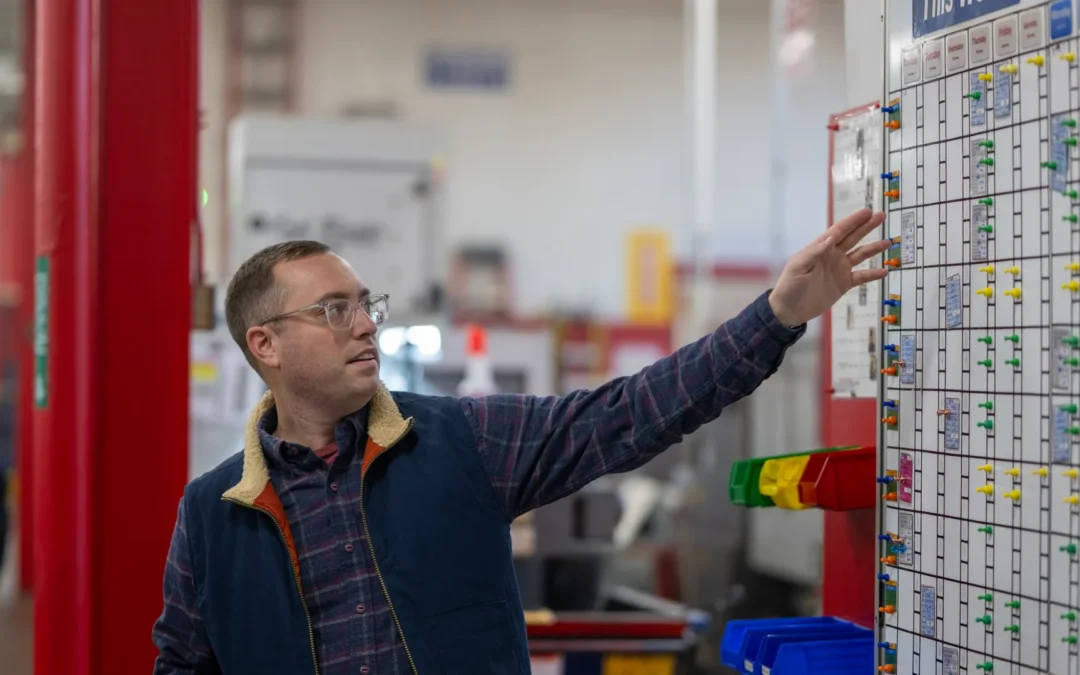
1. Walk the floor like a newcomer.

Could someone unfamiliar with the operation follow along using the visual systems alone? Where are the gaps — the places filled in by institutional knowledge instead of the board itself?

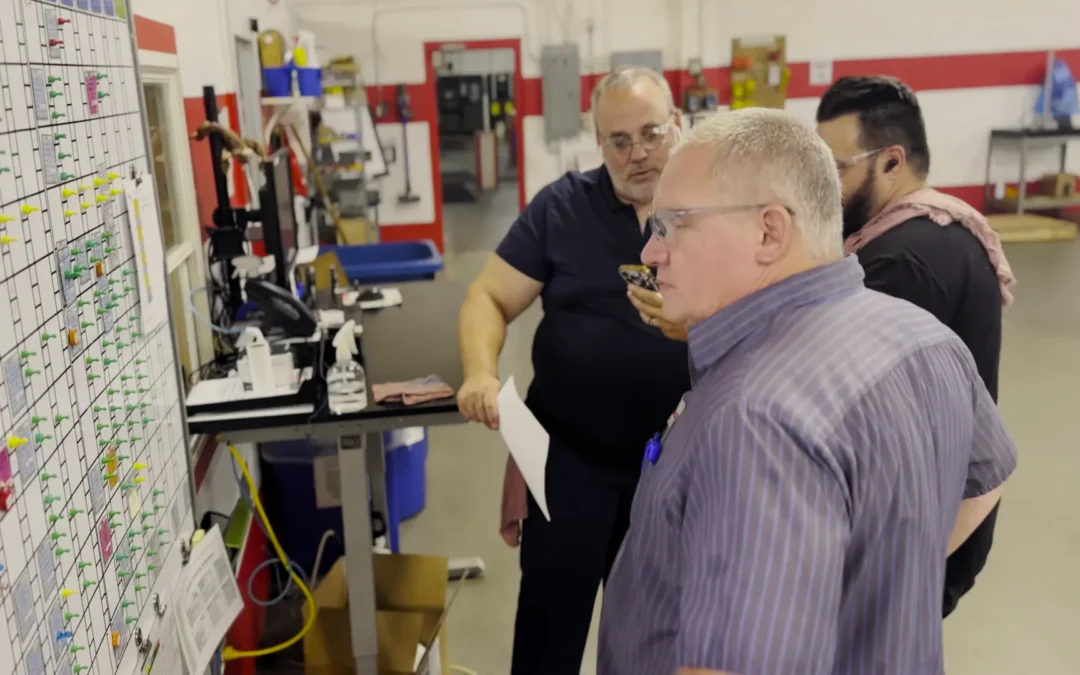
When visitors are on-site, it’s worth asking them to interpret a board or two. What do they catch? What do they miss?

Frequently, actual newcomers — new hires — can provide some of the sharpest insights when encouraged to do so. They are truly interpreting these systems for the first time. Often, they came from a different production environment and are actively seeing the shop’s visual systems in contrast to the last one.

2. Ask the people who use the systems every day.

Operators and leads are usually best positioned to say whether a board still does its job. This works best when they’ve also been shown how to flag a problem or request a change.

Walk through the steps for changing a visual system with operators. When an operator notices a board’s out of date, do they know what action to take? Do they understand the organization’s process for evaluating a change request after it’s been flagged?

Most important of all: When operators suggest making a change to a board, do they receive follow-up when decisions are made? Even if the ultimate decision is not to change anything, hearing the reasoning behind that decision is feedback that input is valued and considered.

    3. Keep the information current.

    Pick a sample of boards, work instructions, and travelers on a given day, and check them against what’s actually happening on the floor. Each gap between the display and the real state of work, usually minor at first, becomes a piece of tribal knowledge. The first step in the solution is to make visual systems congruent with the actual process. The next is to ingrain a habit of updating them simultaneously.

      4. Trace failures back to their visual systems.

      When a job misses, a setup gets wasted, or a quality issue slips through, it’s worth asking a simple question: could a stronger visual control have caught this? Often, this requires a mindset shift that forces the team to push back against the first answer that comes to mind — namely, that the person or people who made the error need to “do better” and read the cues in front of them.

      Nobody clocked in with the goal of making an avoidable mistake. Therefore, the more useful question to ask when failures occur is this: How did the system in front of the operator fail them?

        Time to Put Up

        In Part 1 of this series, on wallpaper, we made the case that design determines how long a visual system stays useful. This piece, on refreshing visuals, laid out a process for review and renewal.

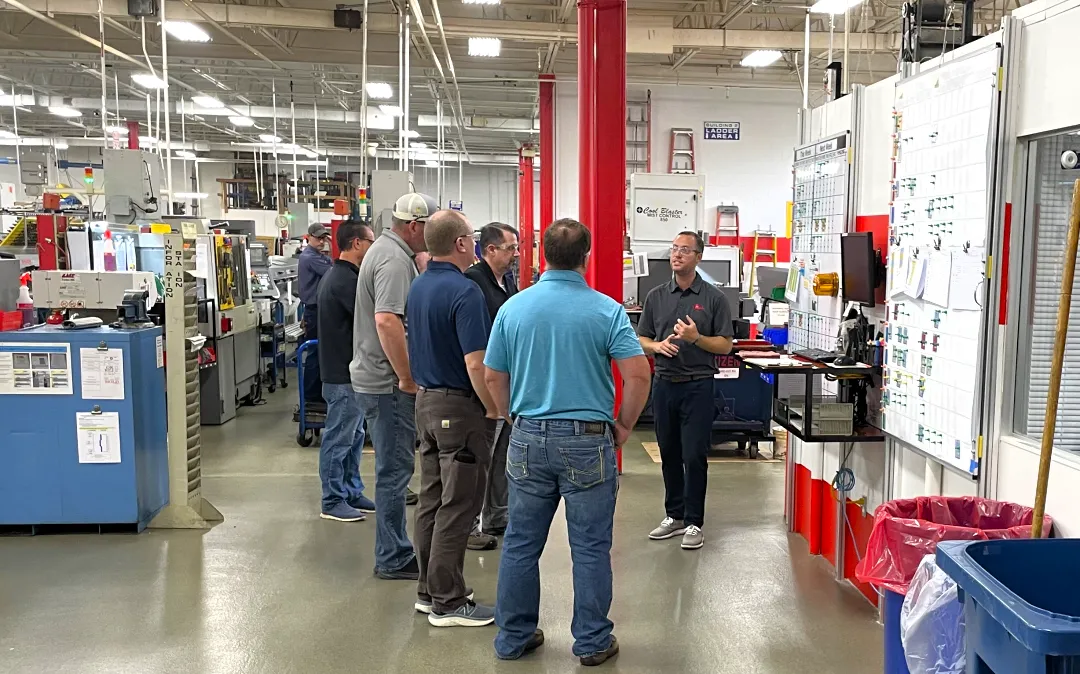
        But speaking with authority on lean visual systems wouldn’t feel earned without putting up some examples from our own shop floor. In Part 3, we’ll present some of the boards we actually use, the decisions behind how we built them, and what it takes to keep them from turning into wallpaper.

        Lean Visual Systems Part 1: The Wallpaper Problem

        Lean Visual Systems Part 1: The Wallpaper Problem

        This is the first post in a three-part series on lean visual systems — how they lose effectiveness over time, how to keep them sharp, and how we approach visual management on our own shop floor.

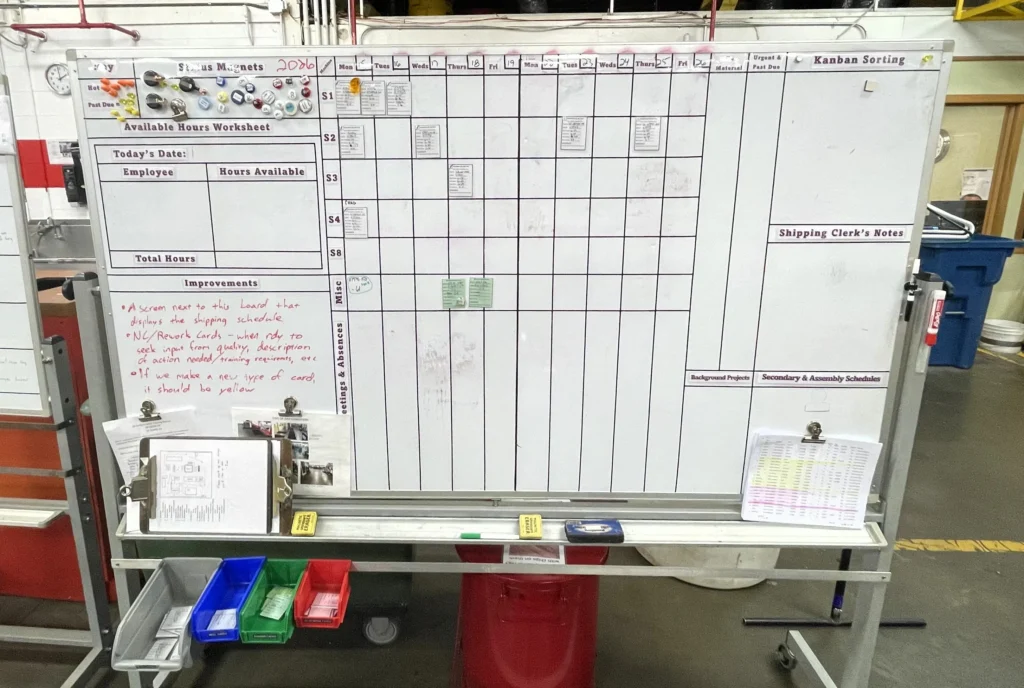
        Visual management is one of the core principles of lean manufacturing for good reason. Strong visual systems compress decision-making. They make the enemies of lean — waste, variation, and overburden — easy to see.

        But visual systems vary in their effectiveness, and they can weaken over time. Information piles up. Processes change. Time passes. Slowly, a visual control risks fading into the background. Wallpaper.

        Once a system becomes wallpaper, operators tend to fall back on memory instead of reading it. That sets the stage for one of the most frustrating failures in manufacturing: the process wasn’t followed, even though the instructions were right there.

        At Micron, it is our firm belief that weaknesses in systems should be diagnosed before any blame is distributed to the people working those systems. While a natural response to missed work instructions is to remind the operator to pay better attention, “wallpaper” problems are actually a sign that the visual systems in place must be improved.

        Visual Systems that Resist Wallpaper

        People stop noticing what they get used to. So the best defense against wallpaper is a lean visual system that stays active, owned, and right-sized.

        Start by keeping it current. Processes and information needs shift constantly on a production floor, but visual aids often lag behind. An outdated board might seem to serve “well enough” to leave alone. In reality, an inaccurate display quietly trains people to trust memory over what’s in front of them.

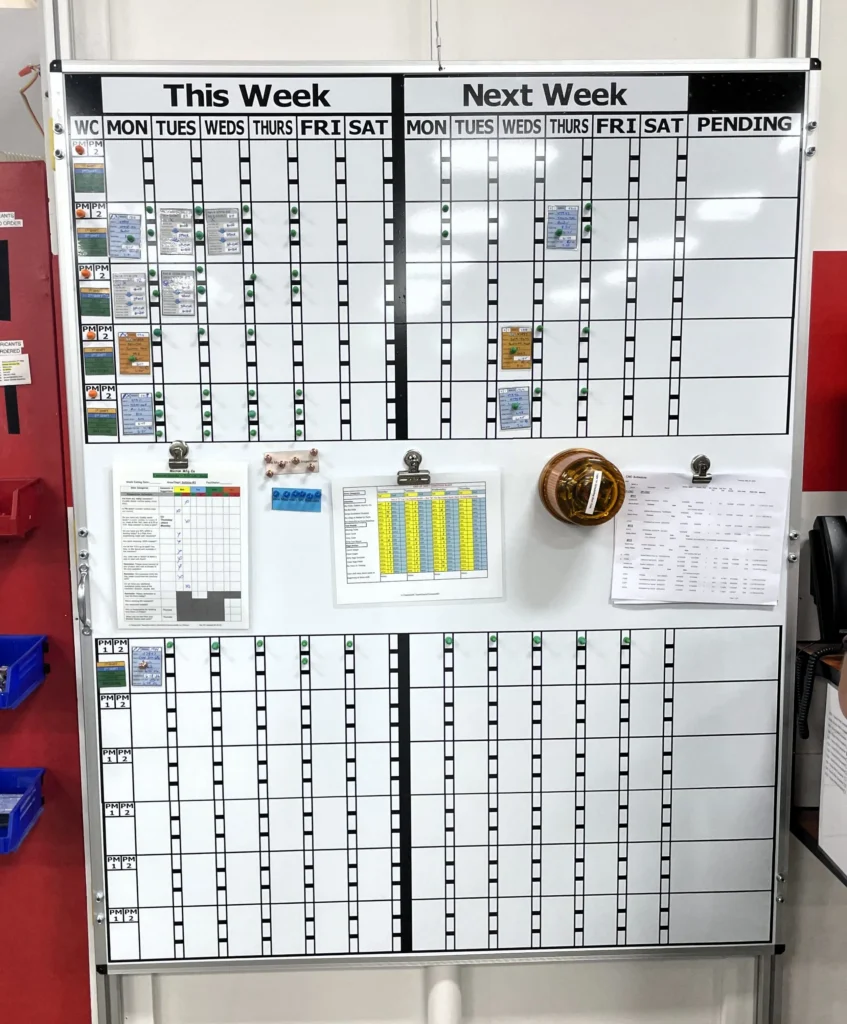
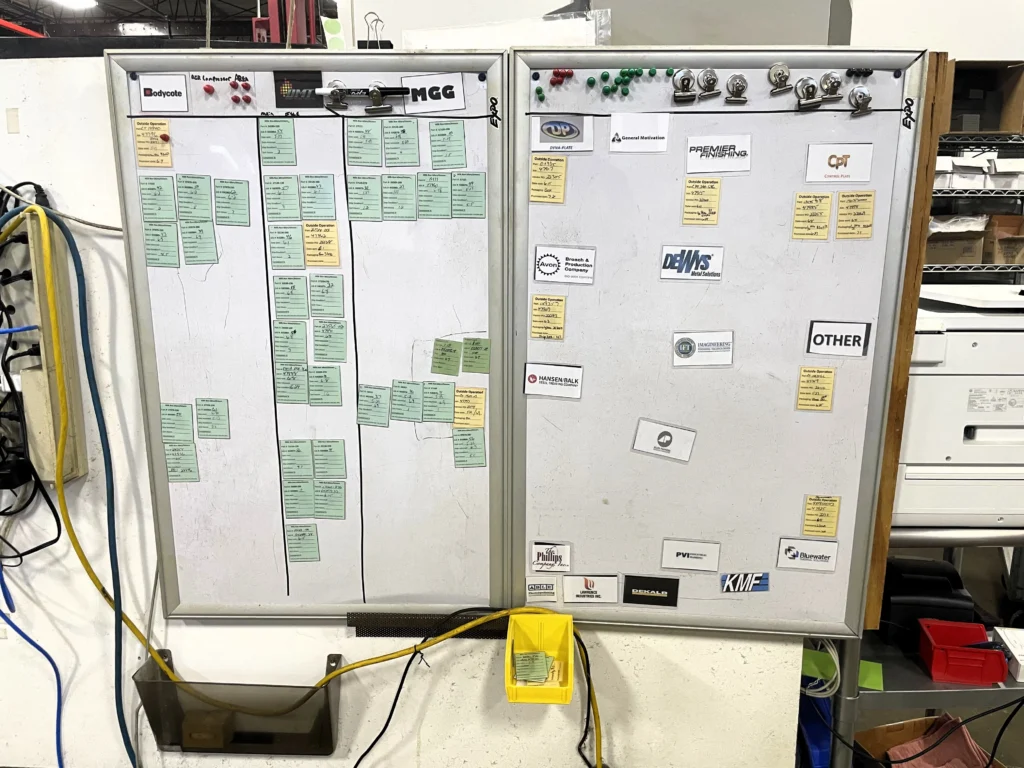
        A system also needs to earn attention, and interaction helps. Moving a thumbtack for a PM. Checking a box with a dry-erase marker. Sliding a job card from “not started” to “in process” to “done.” Small physical actions like these build the habit of processing the information, not just glancing.

        Ownership matters just as much as design. Every visual control benefits from someone ultimately responsible for keeping it accurate and useful. Wherever possible, also enlist the help of not only the official owner, but everyone who relies on it day to day. The people using a system are often the first to notice when it’s drifted from reality, and their feedback is what keeps it honest.

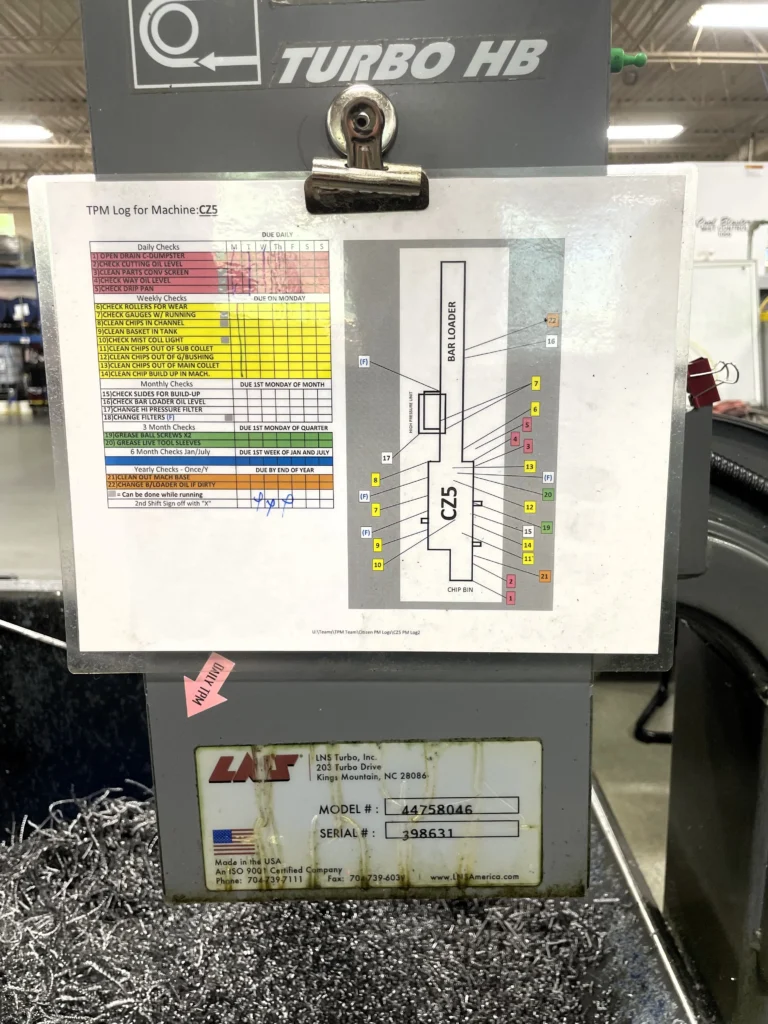
        Finally, there’s a Goldilocks level of detail worth aiming for. Too little information forces people to guess — a real source of variation and error. Too much, and the important parts get lost in the noise. The display itself works best carrying only the most critical information, with supporting detail living in a reference document close at hand rather than competing for space on the board.

        Seeing like a First Timer

        Even a well-designed visual management system will drift eventually. No board stays accurate forever, and the habits we accumulate with experience provide mental shortcuts that save us from paying attention. The familiarity we develop with our systems over time is what eventually makes us stop seeing them.

        Getting an accurate read on a visual system means finding a way to see it again as if for the first time — the way someone brand new to the floor would.

        Part 2 covers exactly that: how to audit a lean visual system for signs it’s become wallpaper, and a framework we’ve found useful for refreshing our own.

        Is Leadership Continuity Part of Your CNC Supplier Review?

        Is Leadership Continuity Part of Your CNC Supplier Review?

        In the supplier review process, it’s natural to focus on details that are easy to measure: On-time delivery, non-conformance rate, capacity, customer service. These are good things to track, but there’s one less quantifiable measure worth paying attention to: leadership continuity.

        Why This Matters For CNC Machining

        In the CNC machining world, many shops are small, founder-led or family businesses. The owner sometimes has multiple roles such as primary customer contact or head of engineering, and is often the institutional memory of the company. That’s often exactly what makes those shops exceptional. But it does mean that when leadership changes, a lot can change with it.

        It’s a natural part of the lifecycle of any business. The question isn’t whether your suppliers will eventually go through a leadership transition. The question is whether they’ve planned for it.

        Suppliers who have are easy to spot. They’ll have identified successors already active in the business. They’re forthcoming and can speak to the specifics of where they’re at in the process.

        The Spectrum of Succession Risk

        Succession planning isn’t all-or-nothing. There’s a meaningful difference between a supplier who hasn’t started the process and one who’s made in-roads, even if there’s still room for improvement. What’s more, succession planning should be a living process, where even well-documented plans are periodically revisited and reviewed.

        The strongest position is a supplier with a documented succession plan that includes deliberate leadership development. Successors who are already active in the business — building relationships with customers, learning operations from the inside — carry institutional knowledge forward rather than starting from scratch. Even better is when that process has support structures in place: a board of directors, a third-party advisor, or a strategic planning group that provides continuity of direction across generations of leadership. These structures help ensure that long-term commitments and company culture survive the transition intact.

        If you’re not sure where to start the conversation, we’ve outlined the specific questions worth asking in a companion post: Leadership Continuity: 6 Questions to Ask Your Critical Suppliers.

        Where to Start

        The most useful first move is also the simplest: identify your most mission-critical CNC suppliers and ask yourself honestly — if their leadership changed tomorrow, how confident am I in the continuity of that relationship?

        If the answer gives you pause, that’s useful information. It’s the opening for a conversation most suppliers haven’t had with a customer before, which means having it thoughtfully sets you apart as a partner genuinely interested in their long-term success.

        At Micron, we’ve been through this ourselves. As a third-generation family business, the work of making sure the next generation is genuinely prepared — not just named — has shaped how we think about operations, customer relationships, and long-term commitments. It’s a process we’re proud of, and one we’re glad to be asked about.

        Our white paper covers the full picture: what the risk landscape looks like, how to assess where a supplier stands, and what a mature plan involves.

        Does Your Key CNC Machining Supplier Have a Succession Plan?

        Browse our white paper library for more industry insights.